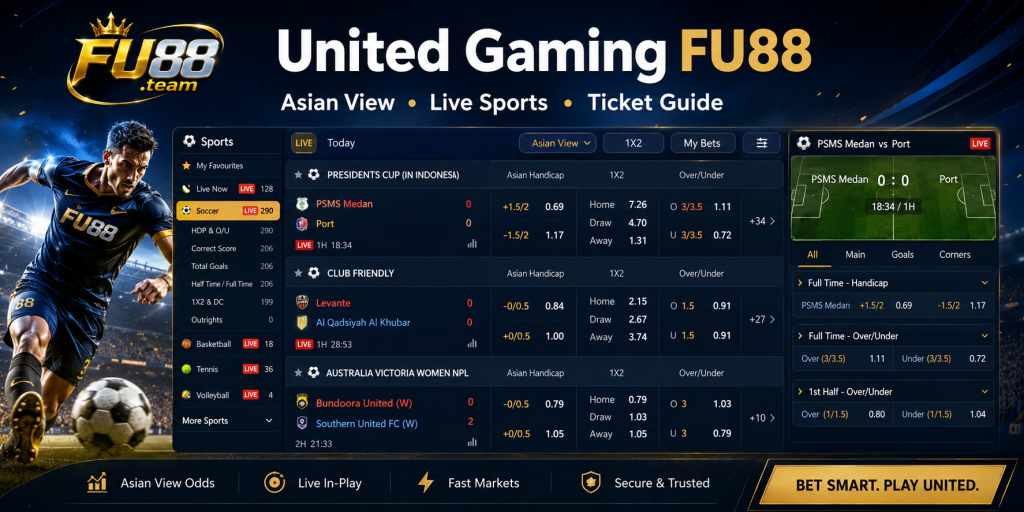
United Gaming FU88 is one of the sports lobbies available through the FU88 sports section. Its interface combines live events, scheduled fixtures, market filters and ticket tools within a dark sports dashboard.
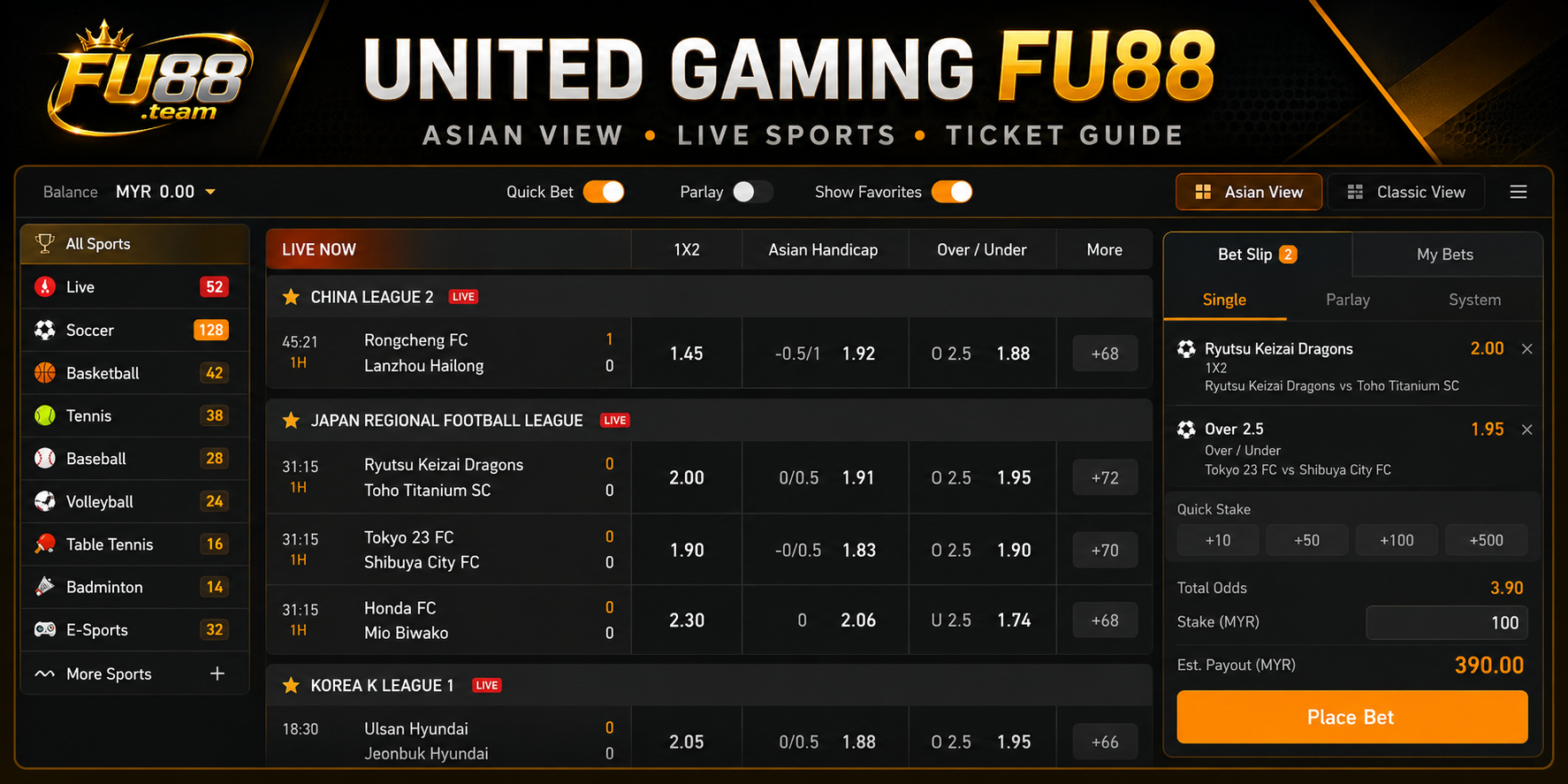
The reviewed lobby provides Asian View and Classic View, together with options such as Quick Bet, Parlay Fold, Live, Hot, Fantasy and Favorite. A broad sports menu and a separate streaming panel are also visible.
Other available lobbies and market guides can be found through the FU88 Sports Betting section.
Overview of the United Gaming FU88 Interface
The United Gaming lobby is divided into navigation, event and ticket areas. Sports and filters appear on the left, while the central section displays leagues, match rows and available markets.
The reviewed interface includes the following controls:
- Asian View
- Classic View
- Newbie
- Quick Bet
- Parlay Fold
- Live
- Hot
- Fantasy
- Favorite
These controls serve different purposes. Asian View and Classic View change the match presentation, while Live, Hot and Favorite help narrow the event list.
Quick Bet and Parlay Fold relate to ticket preparation. They should be used only after the user is comfortable identifying the event, market, period, line and price.
Asian View and Classic View
Asian View presents several markets beside the same fixture in a wide table. This makes it possible to compare full-time and first-half prices without opening each match separately.
Classic View provides another way to arrange the event list. The exact visual structure may differ, but changing the view does not alter the accepted market or settlement conditions.
Asian View is useful when several football lines need to be compared. However, the dense table can make it easier to select a first-half market instead of full time.
A safe reading order is:
- Confirm the competition.
- Check both teams.
- Review the live score and match time.
- Identify the full-time or first-half section.
- Read the market type.
- Check the line.
- Read the attached price.
Sports Available in United Gaming
The reviewed United Gaming interface shows a broad sports menu containing:
- Soccer
- Basketball
- Cricket
- Baseball
- Hockey
- Tennis
- Badminton
- Table tennis
- Volleyball
- Rugby
- Darts
- Boxing and MMA
- Esports
The available events can vary by date, competition and current schedule. The presence of a sport in the menu does not mean that matches are available at every moment.
Users should select the sport first, then narrow the screen by league or event status. This reduces the risk of opening similarly named teams from another competition.
Finding Live, Hot and Upcoming Events
The Live section contains events already in progress. Match rows may display the current score, elapsed time and available in-play selections.
The Hot section highlights selected events within the lobby. It should be treated as a navigation filter rather than an indication of the likely result.
Favorite allows selected events or competitions to be collected in a shorter list. This can be useful when the complete sports catalogue becomes crowded.
For every live event, check:
- The correct competition
- The two teams
- The current score
- The match period
- The market status
Prices may pause or change after goals, cards, penalties or other important events. The final recorded ticket should therefore be checked after confirmation.
Main Football Markets in United Gaming
Handicap
The Handicap market applies a virtual goal advantage or disadvantage to one team. The market line and displayed odds appear as separate values.
Lines may include whole numbers, half goals or split values such as 0/0.5 and 0.5/1. Quarter-goal lines may produce half-win or half-loss settlements.
The Asian Handicap betting guide explains how these lines are read and settled.
Over and Under
Over/Under markets are based on whether the final number of goals or another stated statistic finishes above or below the selected total.
A total of 2.5 cannot end in a tie. A whole line such as 2.0 may return the stake when the relevant total finishes exactly on two, subject to the applicable rules.
1X2
The 1X2 market provides three possible outcomes:
- 1 for the designated home-team win
- X for the draw
- 2 for the designated away-team win
No virtual goal advantage is applied. The market period must still be checked because both full-time and first-half selections may be shown.
Full-Time and First-Half Markets
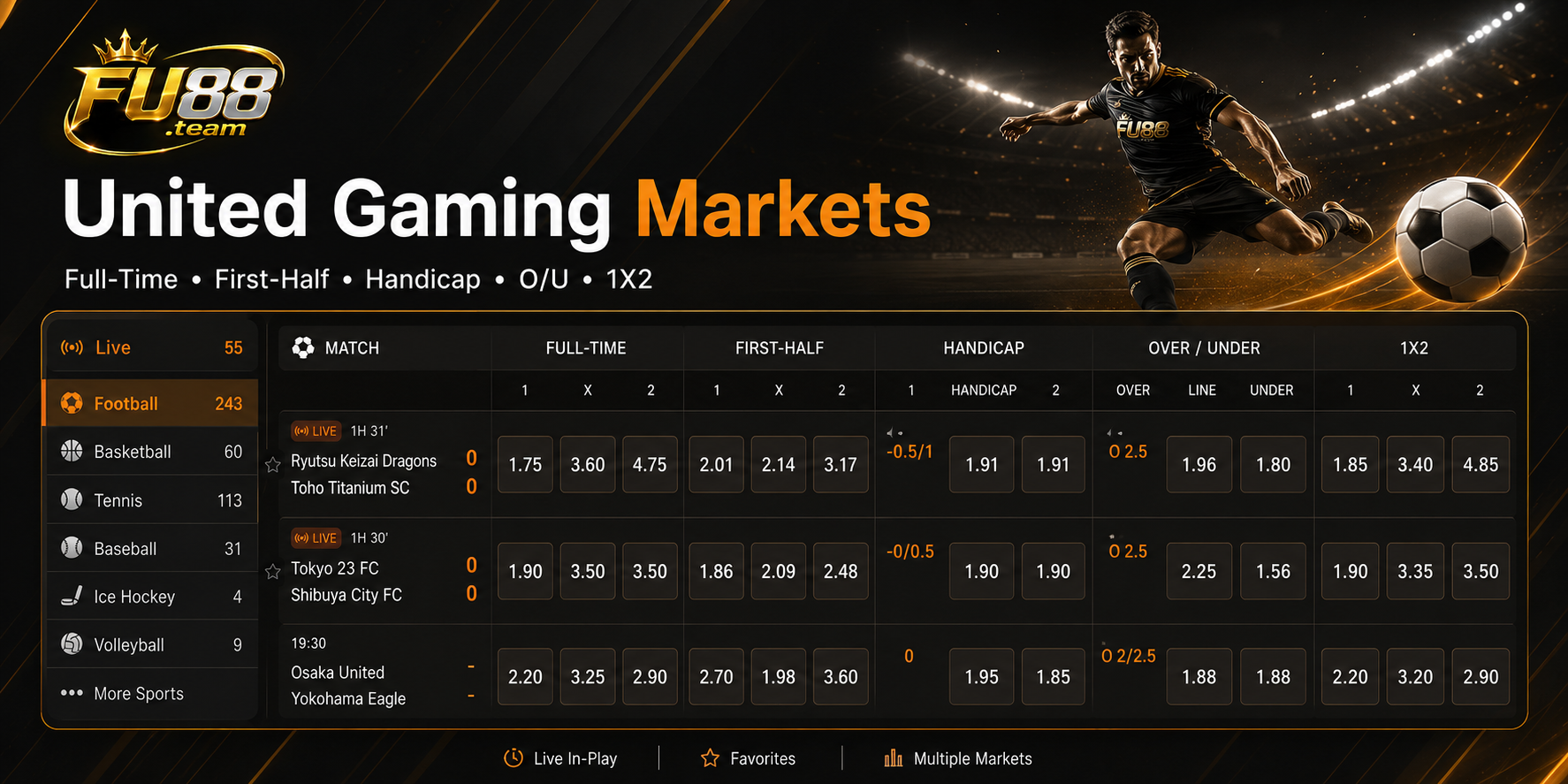
United Gaming places full-time and first-half Handicap, Over/Under and 1X2 markets within the same event table.
A first-half ticket is settled using the score when the opening half ends. Goals scored after the interval do not affect that result.
A standard full-time football selection normally uses the result after 90 minutes plus added time unless the market title states otherwise.
Extra time and penalty shootouts should not be assumed to count automatically. The exact market wording and sports rules remain the main references.
Quick Bet and Parlay Fold
Quick Bet
Quick Bet may reduce the number of steps required to prepare a ticket. This can make navigation faster, but it also leaves less time to notice an incorrect match, line or stake.
Users who are still learning the layout should review each ticket manually before relying on a faster confirmation process.
Parlay Fold
Parlay Fold relates to combining multiple selections within one ticket. Each included selection should be checked separately before confirmation.
A combined ticket may contain:
- Several events
- Different sports
- Different market types
- Different match periods
Selections appearing in the same lobby are not automatically compatible. The ticket panel will show whether the proposed combination can be accepted.
Streaming Panel and Match Information
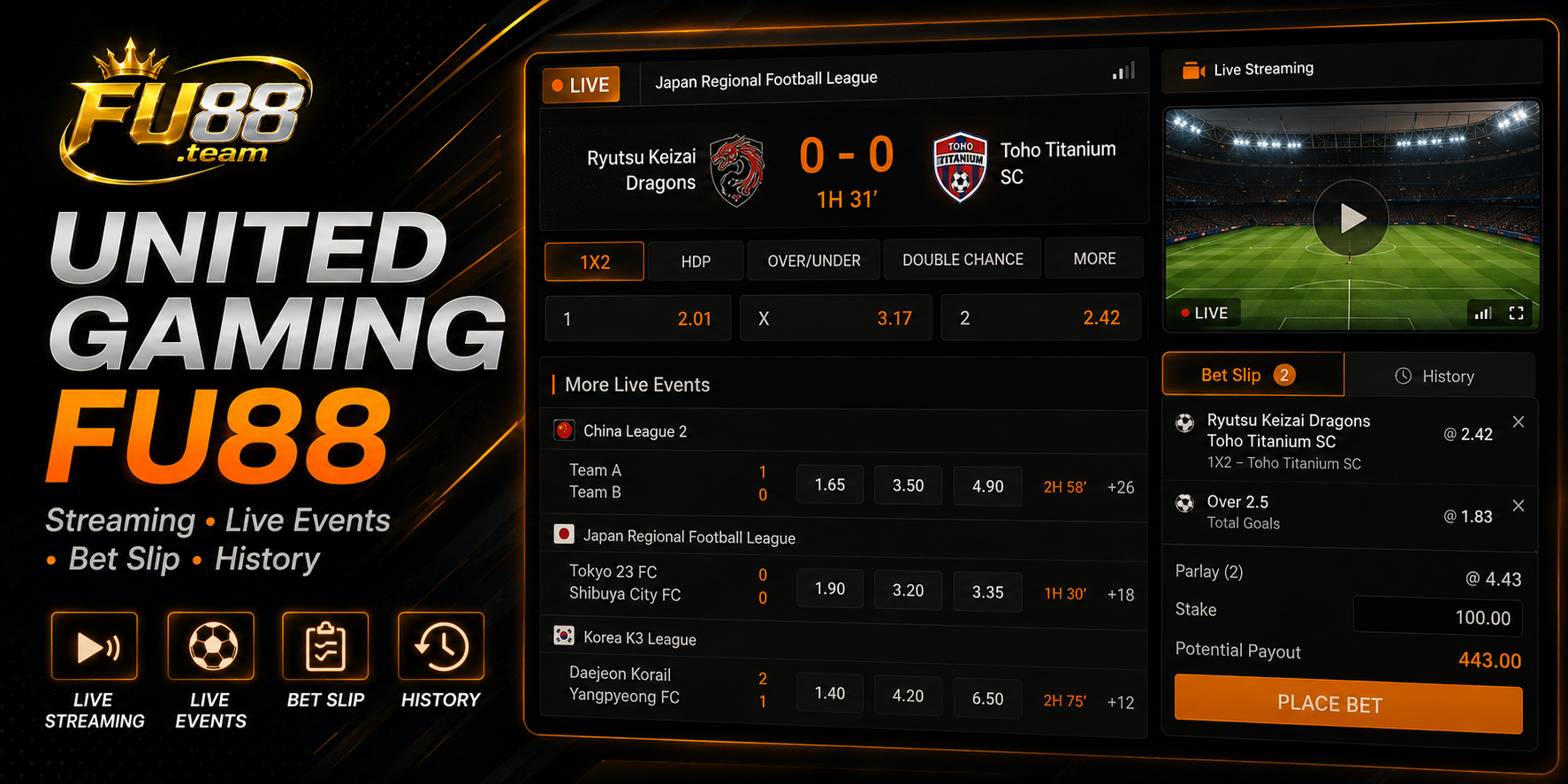
A streaming panel is visible in the reviewed United Gaming interface. It may display event coverage when a stream is available for the selected fixture.
The presence of the panel does not confirm that every event includes live video. Availability can depend on the competition, broadcasting access and current lobby configuration.
A visual feed may also be delayed or interrupted. The accepted ticket and official result should remain the primary references for settlement.
Bet Slip and History
The right side of the interface contains Bet Slip and History areas.
Bet Slip is used to review selected markets before confirmation. History provides access to recorded ticket activity after a selection has been submitted.
Before confirming a ticket, check:
- The correct sport and competition
- The event and selected team
- The market type
- The full-time or first-half period
- The accepted line
- The recorded odds
- The intended stake
The sports betting odds guide explains the difference between a market line and its attached price.
What Makes United Gaming Different?
United Gaming stands out through its broad sports catalogue, Asian View, Classic View and direct access to streaming and ticket history.
Compared with BTi Sports, which focuses heavily on a European-style football table, United Gaming offers more visible sports categories and two presentation modes.
Compared with CMD Sports, United Gaming places stronger emphasis on Asian View, Favorites and the separate streaming panel.
The interface is therefore suited to users who regularly move between different sports, but filters should be applied before opening a market to avoid a crowded event list.
Common Mistakes in United Gaming
- Selecting a first-half market instead of full time
- Confusing the Handicap line with the displayed odds
- Choosing the wrong sport or competition
- Ignoring the current score on a live event
- Using Quick Bet without reviewing the ticket
- Assuming every selection can be added to a parlay
- Assuming every event includes streaming
- Checking the match screen but not the accepted ticket
Frequently Asked Questions
Does United Gaming FU88 Include Live Sports?
Yes. The reviewed interface contains a Live section with events already in progress.
What Is the Difference Between Asian View and Classic View?
They provide different ways of arranging events and markets on the screen. Switching views does not change the market rules.
Which Main Football Markets Are Visible?
The interface shows full-time and first-half Handicap, Over/Under and 1X2 markets.
Does Every Event Include Streaming?
No. A streaming panel is visible, but availability depends on the selected event and current coverage.
What Is Parlay Fold?
Parlay Fold relates to combining eligible selections into one ticket. The ticket panel should be checked to confirm whether a combination is accepted.
Conclusion
United Gaming FU88 combines Asian View, Classic View, live matches, a broad sports menu, streaming and ticket-management tools within one interface.
Before confirming a selection, check the sport, competition, event, market period, line, odds and stake. Bet Slip and History should then be used to verify the details recorded on the accepted ticket.
